What Is a Smart Meeting Room Solution
How It Works
April 9, 2026
How It Works
April 9, 2026
A smart meeting room solution is a single system that connects your booking software, your door access control, and your video platforms. It lets you start meetings instantly without delays or cable clutter.
Picture this scene. It is 10:00 AM on a Tuesday. Your team walks into the main conference room. The wall screen is completely blank. The HDMI cable is missing again. You spend the next ten minutes trying to log into a video app. Meanwhile, a key client waits online, staring at an empty virtual room.
Traditional meeting rooms simply do not work well for modern hybrid teams. They cause stress. They waste valuable time. They make your company look bad in front of clients. You need tools that just work the second you sit down. This is where smart meeting room solutions step in to fix the mess.
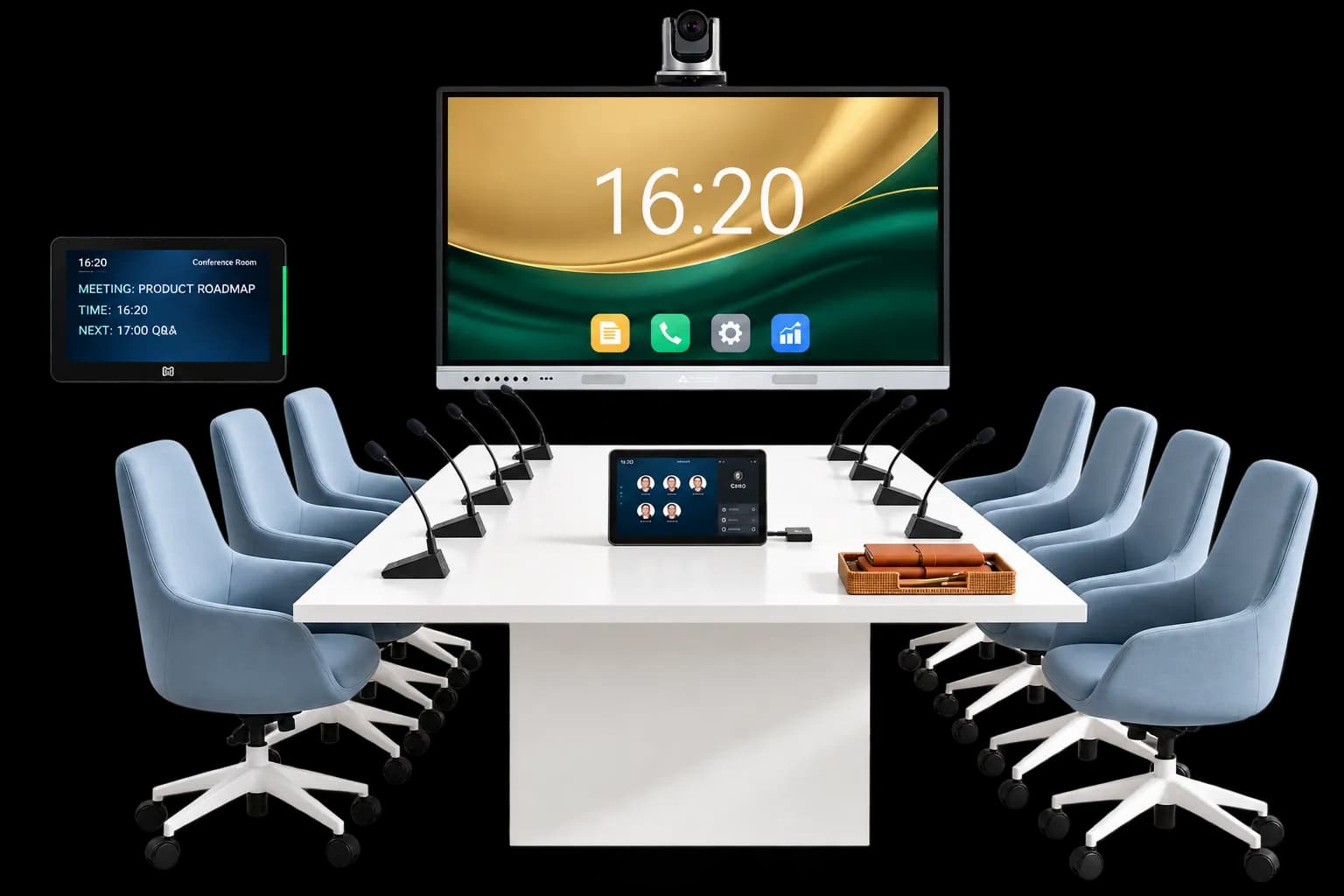
A smart meeting room connects your booking calendar, your door access, your room controls, and your video calls into one clear experience.
It removes the daily friction from starting and running your meetings. You do not deal with delays. You do not untangle cables. You do not guess which remote turns on the camera. The system connects everything ahead of time so you can just talk and work. You walk in, press a single button, and your meeting begins. If you want to understand the importance of making this shift, read about why your business needs a dedicated virtual meeting platform.
Old rooms rely on standalone pieces of hardware that do not connect with each other. This causes daily problems that frustrate your staff and slow down your work. Let us look at the main roadblocks.
Real Example: A sales team at a growing software company lost fifteen minutes of a major pitch. They could not share their laptop screen to the wall TV. They tried three different cables, but none worked. The team lost a major deal simply because of bad room hardware.
A smart room uses an ecosystem of tools working together. You need four main parts to make the room smart.
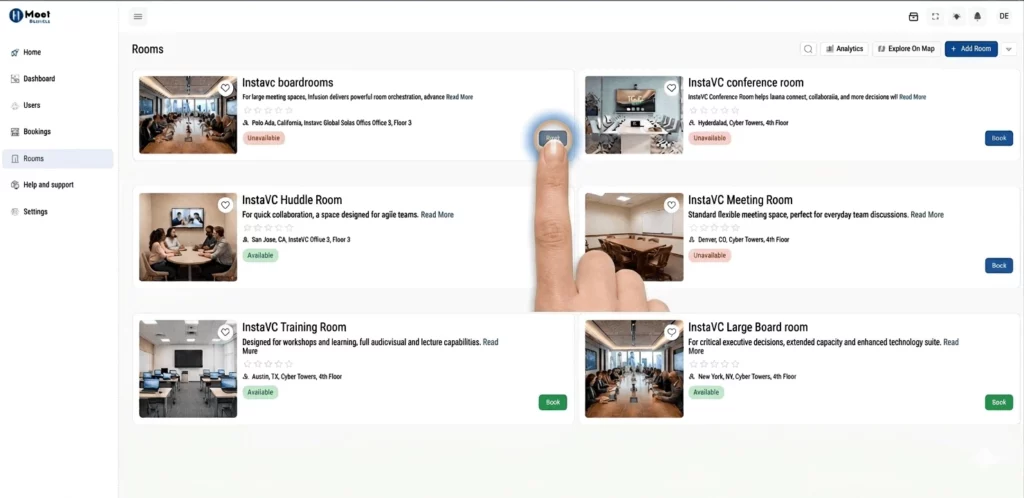
This software links directly to your company calendar, like Google Workspace or Microsoft Outlook. You book a space right from your phone or your laptop.
If someone cancels a meeting, the system instantly frees up the room on the calendar. Other people can book it right away. This stops the problem where rooms sit empty.
Outcome: Meetings start on time, and you always find an open room.
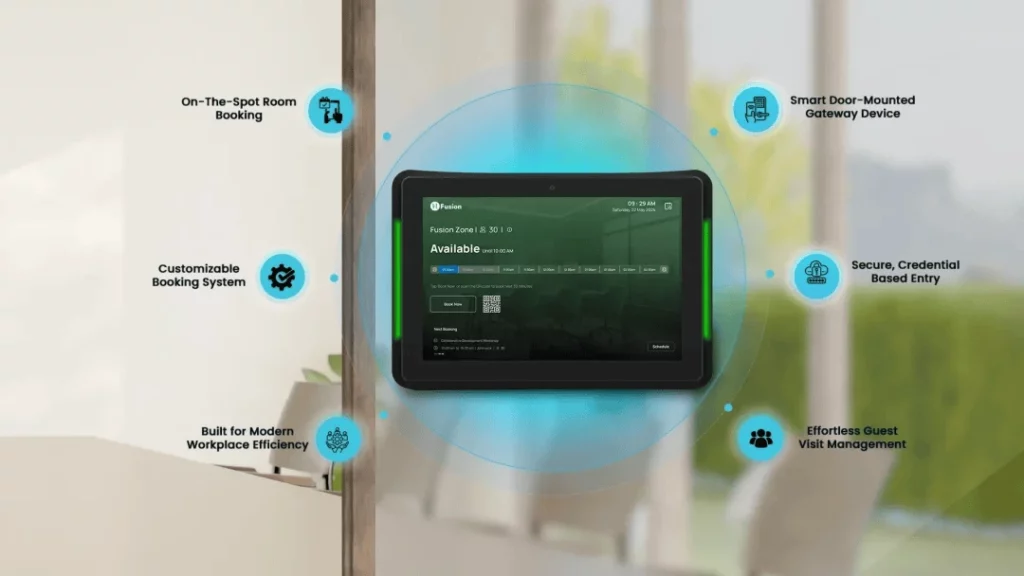
This is a small, digital screen placed on the wall just outside the meeting room door. It clearly shows the name of the meeting, the time, and who booked it.
You enter the room using a quick QR code scan on your phone, a typed PIN, or secure face recognition. This keeps private meetings secure. For more details on keeping your data safe, explore the top security features to check before choosing a video meeting platform. Access control stops people from opening the door by mistake and interrupting a serious conversation.
Outcome: Only the right people use the room, and meetings stay private.
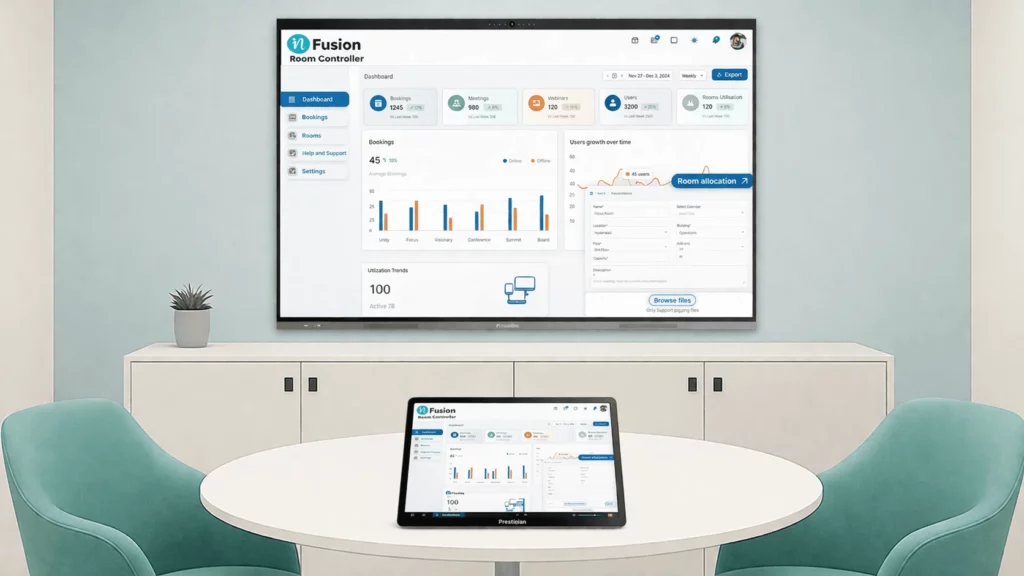
A single touch screen sits flat on the meeting table. It replaces all the old remotes and keyboards. You use this one screen to control everything in the room.
You tap it to change the speaker volume. You tap it to move the camera. You tap it to pick different screen layouts. The buttons are big and clear so anyone can use them.
Outcome: No confusion inside the meeting room.
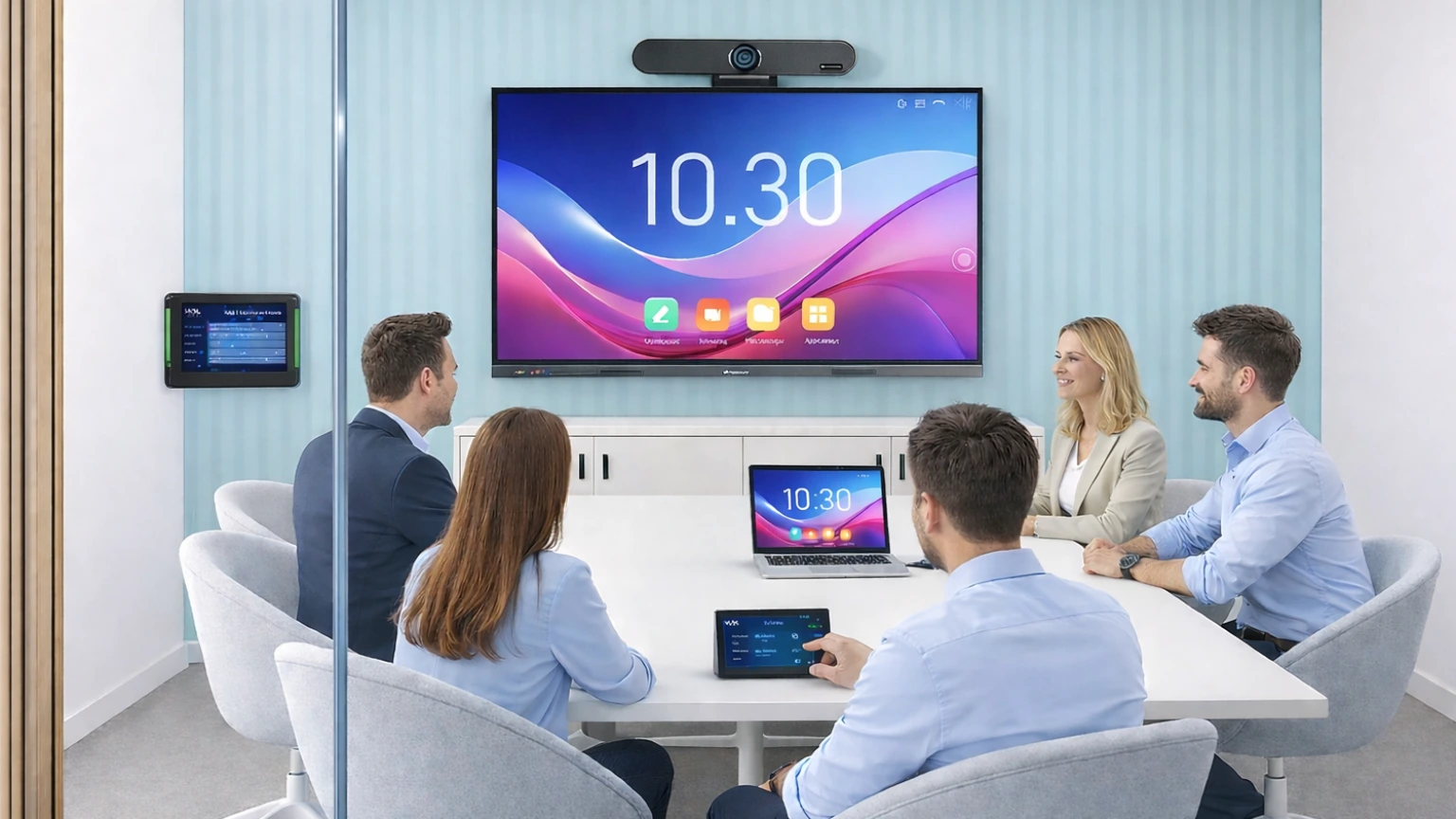
This is the brain of the room. It usually hides out of sight behind the main TV screen. It connects all the separate parts together.
It links the camera, the microphones, the speakers, and the controller. It connects directly to top tools like the InstaVC video collaboration software, Zoom, and Teams. It handles all the heavy processing so your calls run smoothly without crashing.
Outcome: One unified system for all your meetings.
The whole process flows in simple, clear steps. The technology stays completely out of your way.
Want to stop fighting with broken cables and lost remotes? [Book a personalized demo] to see how easy room control can be.
Different groups in your company will notice different improvements right away.
A smart setup saves your team hours of wasted time every single week. When meetings start on time, people stay focused. It cuts the cost of buying separate gadgets from different brands that refuse to connect with each other.
Most importantly, it improves the actual meeting experience. People focus better when the tools work. According to a recent report on hybrid work by Gallup, giving teams the right workspace tools directly boosts their daily productivity. Good tools make good work possible.
You need to upgrade your office meeting spaces if you notice these exact signs:
If you spot these clear signs, your current setup holds your team back. It is time to make a change. Check out our guide on how to choose secure video conferencing for business to plan your next exact steps.
Work meetings should be simple. They should be efficient. Your team needs to focus on big ideas, not broken software and missing TV cables.
A smart meeting room solution brings everything into one connected system. It takes the frustration out of the workday. It allows your staff to share ideas clearly, whether they sit in the room or join from home. It helps you get back to doing great work.
Ready to build a better workspace and stop daily meeting delays? [Reach out to our experts today] to get started.
You usually do not need to throw everything away. A smart meeting room hub can often connect to the TVs and cameras you already own. You just add the missing pieces, like a room controller or a booking screen, to tie it all together.
Not at all. The main goal of a smart room is to make things easy. If your team knows how to tap a tablet screen or scan a quick code on their phone, they can use the room right away. There is no long training needed.
Yes. A good smart meeting room setup lets you join calls on any major video platform. You do not have to worry about what software your clients or guests use. You sit down, tap the screen, and the system connects the call automatically.
Have questions or need assistance? Fill out the form, and we'll get back to you right away!
Usually in 24 hours on working days.