The Ultimate Guide
to Video Meeting Software for Educators
May 22, 2026
to Video Meeting Software for Educators
May 22, 2026
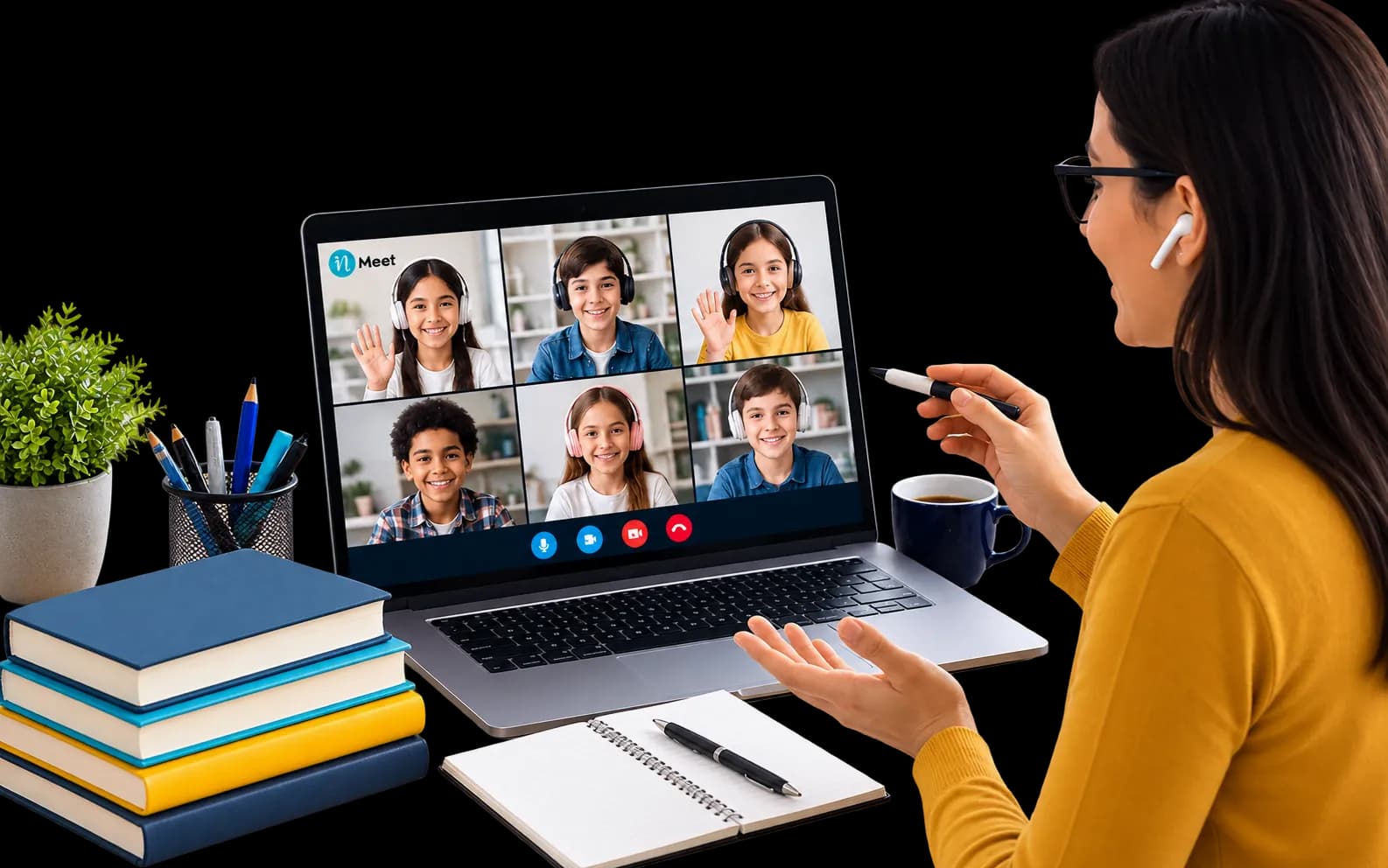
video meeting software for educators is a digital platform built to host online classes, manage student engagement, and share learning materials. It goes beyond basic video calls by offering teaching tools like whiteboards, breakout rooms, and attendance tracking to keep students focused.
When the world shifted to online learning a few years ago, schools scrambled to find ways to connect. Most teachers had to use standard business tools to run their classes. Very quickly, everyone realized a hard truth: a classroom is not a boardroom.
Most business video platforms assume everyone in the room wants to be there. They assume adults know how to take turns talking. They assume no one will try to take over the screen to draw funny pictures. A classroom is entirely different. Teachers need full control over the digital room. They need clear ways to keep easily distracted students engaged.
If you try to run a class of 30 students on a standard business app, you run into big problems. Students talk over each other. Uninvited guests drop into the meeting. Sharing lesson materials becomes a messy process.
According to data from the National Center for Education Statistics, over 75% of colleges and universities now offer permanent online distance learning options. To manage this massive shift, schools are moving away from generic apps. They are upgrading to specialized platforms. They need systems built specifically for teaching and learning.
Need help implementing this strategy in your workplace? Reach out to our experts.
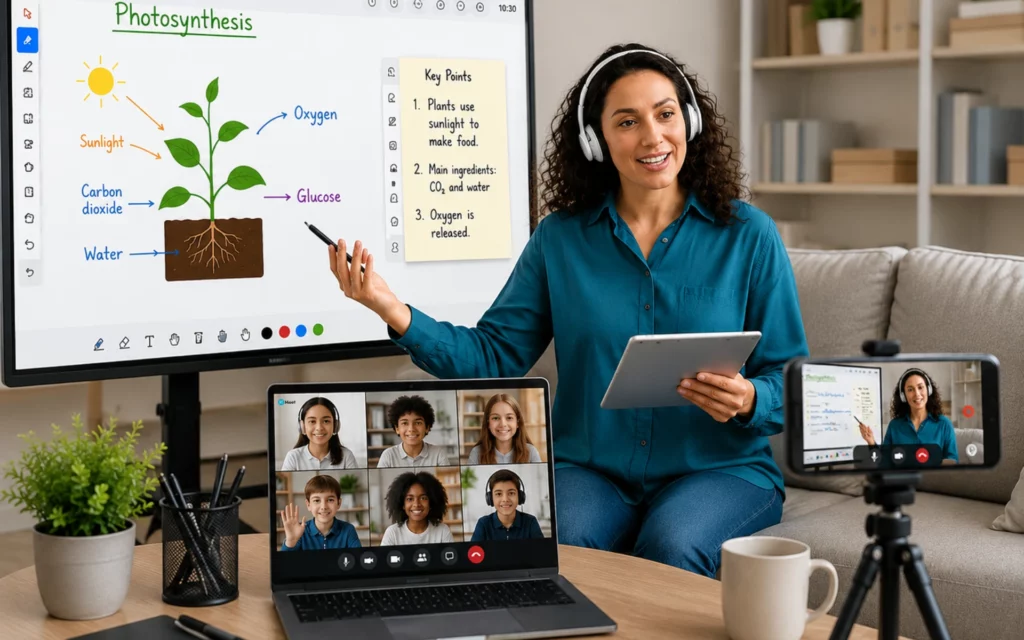
Standard video calls just let people see and hear each other. An education platform needs to do much more. It must act as a full digital classroom. Before you choose a new system, you need to know exactly which features teachers actually need to succeed online
These are the core tools every teacher needs:
Students learn best when they work together. You cannot do group work in one giant video room with 30 people. Breakout rooms let you split your main class into smaller groups. Students can work on a project together, and the teacher can jump from room to room to check on their progress.
Teachers need a place to write notes, solve math problems, and draw diagrams. A built-in digital whiteboard acts just like a real chalkboard. The best platforms let teachers save the whiteboard notes at the end of the class and send them directly to the students for review.
Taking attendance in a physical classroom takes two minutes. On a standard video call, it is a nightmare. Students join late, drop off, and log back in. Good video meeting software for educators tracks attendance automatically. It generates a clear report after the class ends. You can see exactly who logged in, what time they joined, and how long they stayed.
Teachers must control the classroom environment. If a student forgets to mute their microphone, the teacher needs the power to mute it for them. If a student tries to share their screen without permission, the teacher needs to block it. Advanced host controls stop classroom disruptions before they start.
Not every student has high-speed internet at home. When video tools require too much data, students with poor internet connections get kicked out of the class. Education software often includes a low-bandwidth mode. This mode lowers the video quality slightly so the connection stays stable. It ensures every student gets fair access to the lesson.
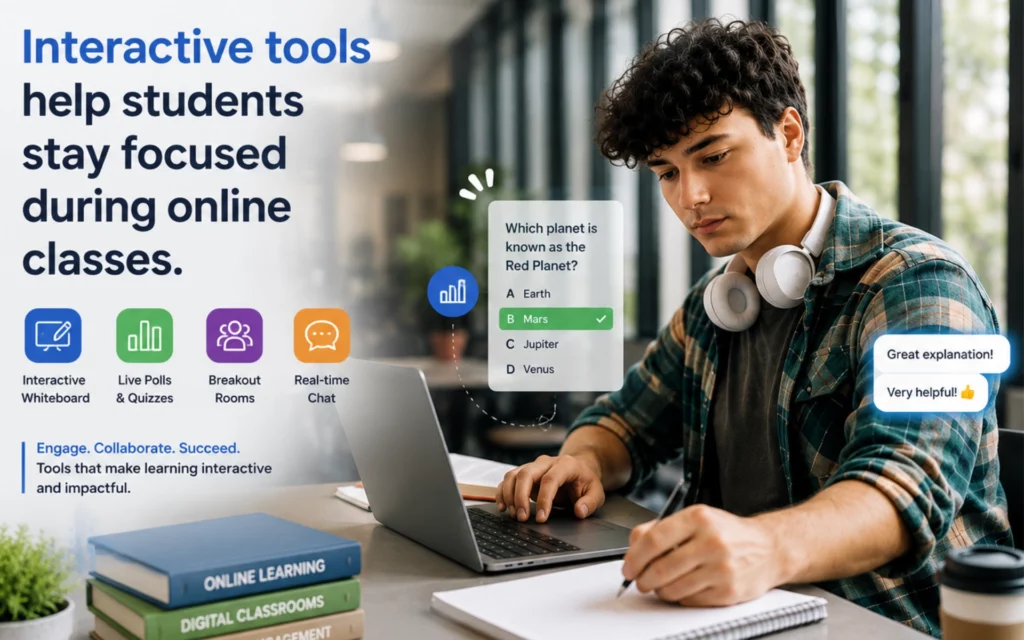
It is hard to know if students understand the lesson when you cannot see their faces clearly. Built-in polls let teachers ask quick questions during the class. You can instantly see if the class understands the topic, or if you need to explain it again.
Want to see this in action? Book a personalized demo.
How do general tools actually stack up against platforms built specifically for teaching? If you are deciding between a free business tool and an education platform, you need to understand the exact differences.Before choosing the right platform, review this quick breakdown of how they compare:
| Feature Focus | Standard Business Video | Education-Focused Video |
|---|---|---|
| Main Goal | Team collaboration | Student learning |
| Host Controls | Basic (anyone can share) | Advanced (teacher controls all) |
| Engagement | Screen sharing | Whiteboards, quizzes, hand-raising |
| Security | Standard encryption | Strict student data compliance |
| Tracking | None | Automated attendance reports |
Finding the right software is only the first step. You also need to know how to use it to keep students awake and interested. Staring at a screen for an hour is tiring. You have to break the class into smaller, active segments.
First, use the chat feature smartly. Ask students to type their answers in the chat instead of talking over each other. This gives shy students a chance to participate without speaking in front of the whole class.
Second, change the activity every 15 minutes. Start with a short lecture. Then, ask a poll question. After that, send them into breakout rooms to discuss a topic. Changing the format resets their attention span.
Third, use the digital hand-raising tool. When students have a question, they can click a button to raise a virtual hand. This alerts the teacher without interrupting the lesson. It creates an organized, polite way to handle questions and answers.
Skip the manual work and Generate Leads automatically. Try our tool for free.
Security in education is not just a nice feature. It is a strict legal requirement. Schools face heavy fines if they leak student data.
Standard business tools often track user behavior and sell that data to advertisers. They also allow anyone with a link to join a meeting. This led to a rise in random strangers joining online classes to cause disruptions.
Proper video meeting software for educators solves this. It uses waiting rooms. When a student clicks the link, they do not go straight into the class. They go to a waiting area, and the teacher must approve them. This blocks strangers instantly.
Additionally, education platforms must follow data protection laws. This means they cannot track student data, record classes without clear permission, or share any personal information. When you choose a tool, you must verify it passes these privacy laws to keep your students safe.
Setting up your first digital classroom can feel overwhelming. If you follow a simple plan, you can avoid the most common technical issues. Here is exactly how to start:
Step 1: Check your hardware.
Do not rely on the cheap microphone built into your laptop. Buy a basic USB headset. Good audio matters more than good video. If students cannot hear you clearly, they will tune out immediately.
Step 2: Learn your platform.
Before your first class, start a practice meeting by yourself. Practice sharing your screen. Try turning on the digital whiteboard. Find the “mute all” button. You do not want to search for these buttons while 30 students wait for you.
Step 3: Set clear digital rules.
On the first day of class, tell your students exactly what you expect. Tell them if they need their cameras on. Tell them how to use the chat box. Explain how to ask a question. Clear rules prevent chaos later.
Step 4: Record your sessions.
Always record your classes and share the link afterward. Students get sick. Internet connections drop. A recorded class ensures no one falls behind when technology fails them.
Online classes are not going away. Even as students return to physical schools, hybrid learning continues to grow. Teachers now use online platforms to host guest speakers from around the world. They use virtual rooms for after-school tutoring.
The software will keep getting smarter. Soon, platforms will use artificial intelligence to automatically translate a teacher’s words into different languages in real-time. This will help international students follow the lesson easily. The lines between physical and digital classrooms will continue to fade.
It is a virtual classroom tool designed specifically for teaching. It includes student management, interactive boards, and strong privacy settings that standard meeting apps completely lack.
You must use interactive features. Break your main lesson into shorter segments. Send students into breakout rooms for small group tasks. Use built-in polls every 15 minutes to check if they understand the lesson.
Schools must protect student data by strict privacy laws. Education platforms block uninvited guests from joining classes using waiting rooms. They also stop tech companies from tracking and selling private student information.
Yes, if you choose the right platform. Look for software that offers a low-bandwidth mode. This mode lowers the video feed quality to keep the audio clear, so students with slow internet can still hear the lesson perfectly.
Have questions or need assistance? Fill out the form, and we'll get back to you right away!
Usually in 24 hours on working days.